Overview
A ChatGPT subscription comes with image generation, but from the terminal the usual way to get at it is to ask the Codex agent to draw something. codex-img skips the agent. It sends your prompt to the same image endpoint the Codex CLI uses, with the login codex login already saved, and writes the image to disk. That's one request per image, and your prompt reaches the image model word for word.
It's built for scripts and coding agents as much as for people. Paths go to stdout, progress to stderr, --json gives one line of metadata per image, and each kind of failure has its own exit code.
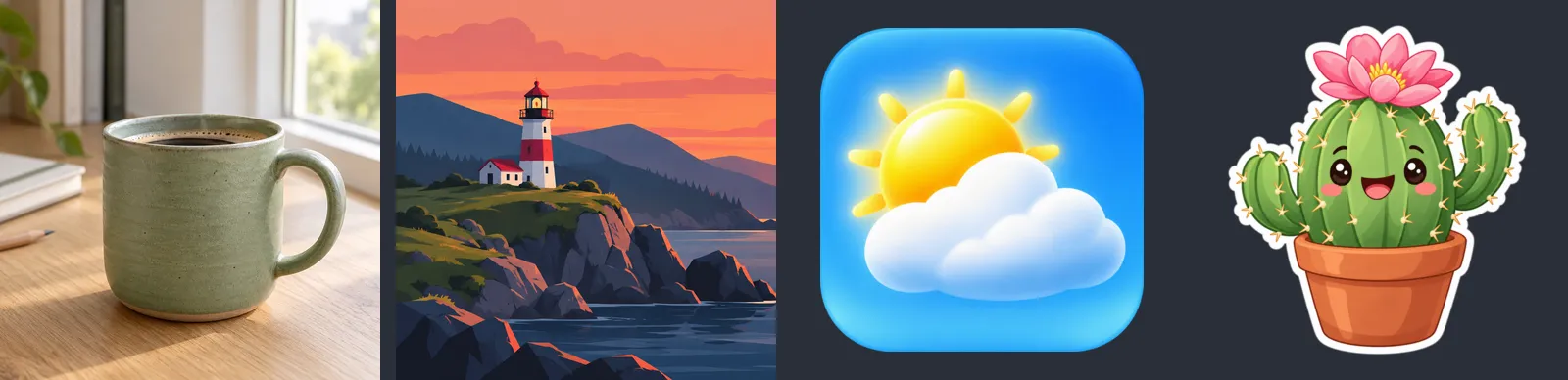
The pictures below were all generated with codex-img.
Generate and edit
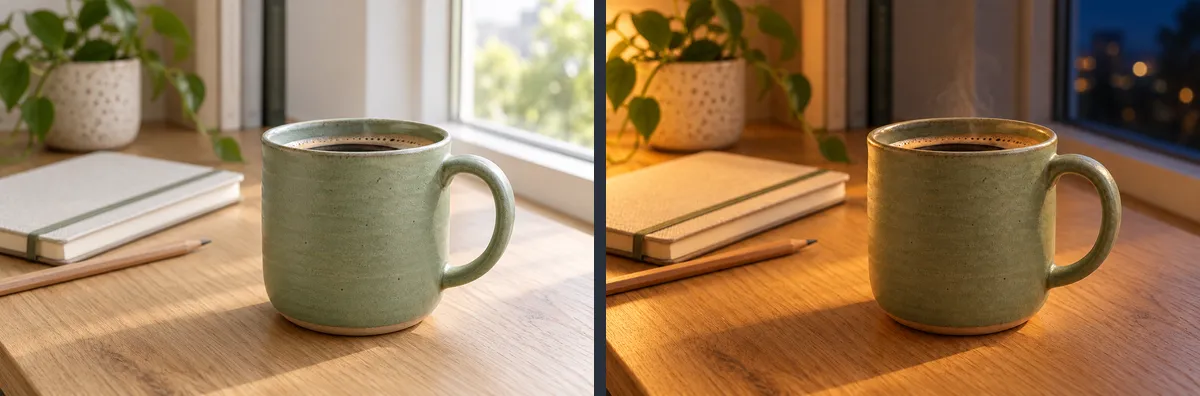
The photo and its edit below came from prompts like these:
codex-img "photo of a green ceramic mug on an oak desk" -o mug.png
codex-img "the same scene at night, by lamplight" -i mug.png -o night.png
Add up to five -i images to edit a picture or combine several. An edit changes what the prompt asks for and keeps the rest:
-n 4 runs four requests in parallel, and -a 16:9 sets the shape. The shape comes from a sentence in the prompt, because the backend ignores the size field. For images that only guide a new one, --style-ref, --composition-ref and --character-ref send them with a line in the prompt saying how to use each.
Transparent images
-b transparent gives real alpha, for icons, stickers and sprites. --trim crops to the visible pixels, --resize sets the size, and --hard-alpha makes every pixel fully solid or fully transparent for pixel art. The untouched original is kept next to the result, because an image can't be generated again exactly.
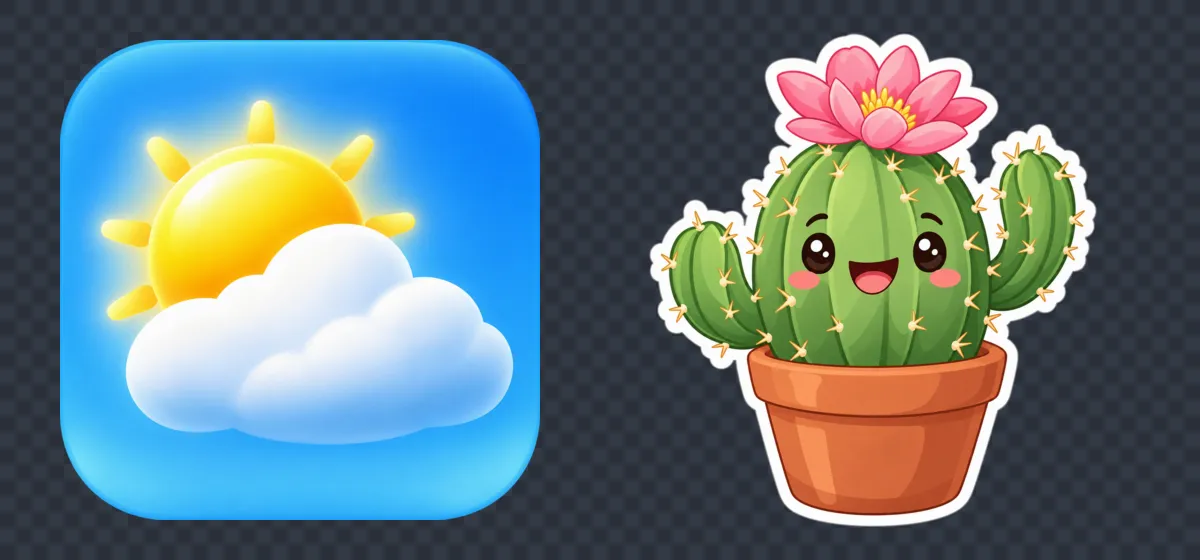
Generated images hide a dark colour under their transparent pixels, which shows up as a dark halo when an engine or browser scales them. codex-img resizes with premultiplied alpha and fills those pixels with the nearest edge colour, so it can't.
Small files
The backend returns large PNGs. codex-img recompresses every PNG it writes without changing a visible pixel, and converts locally:
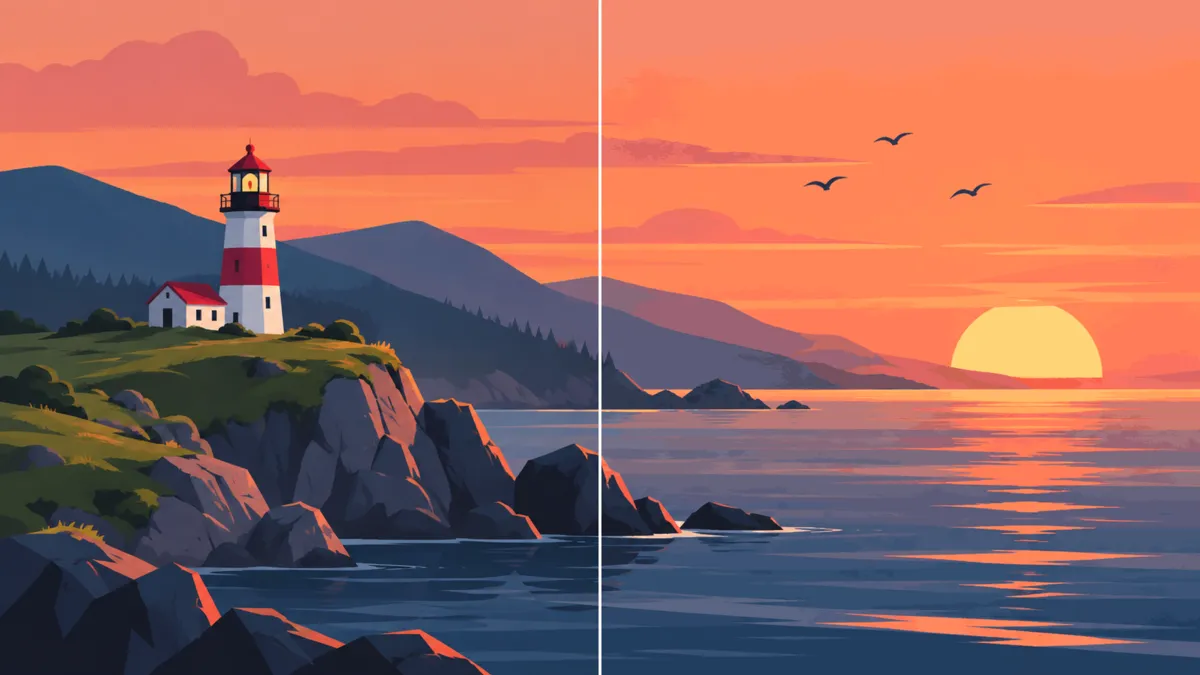
The illustration above as the PNG codex-img saved is 1.1 MB. As a 64-colour palette PNG (-c 64, like pngquant) it's 116 KB, and as lossy WebP (-f webp) it's 57 KB. The left half is the full PNG, the right half the 64-colour one.
Camera angles, characters and palettes
Game art needs the same camera, style and colours across many images. codex-img has an option for each, so they aren't written into every prompt by hand:
codex-img "a red sports car" --view top-down -b transparent -o car.png
codex-img presets add character captain --ref captain.png --text "a stocky walrus sea captain in a yellow raincoat"
codex-img "the captain steering a ship's wheel in a storm" --character captain -a 3:2 -o storm.png
codex-img "a treasure chest sprite" --palette pico-8 -b transparent -o chest.png
--view sets the camera. Five angles are built in, and a project can add or replace its own:

A character preset is an image of the character and a description of their looks, and it keeps them the same from scene to scene:

--palette puts the palette's hex codes in the prompt, then snaps every colour to the nearest one, so the PNG has exactly those colours. It takes hex codes, a .gpl or .hex file, a swatch image, or one of 14 built-in palettes such as pico-8, nes and resurrect-64:

Views, styles, characters and palettes are presets: a project keeps its own in codex-img.json, global ones apply to every project, and codex-img presets lists them all. The post on 0.7 and 0.8 shows how each one was tested.
Sets of images
For more than a few images, list them in a JSON file. A spec for pictures like the ones on this page:
{
  "raw_dir": "raw",
  "out_dir": "public/img",
  "defaults": {"quality": "medium", "format": "webp"},
  "assets": {
    "mug": {
      "prompt": "Product photo: a green ceramic mug on an oak desk",
      "aspect": "3:2"
    },
    "mug-night": {
      "prompt": "The same scene at night, lit by a desk lamp",
      "reference": "mug"
    },
    "lighthouse": {
      "prompt": "Flat vector illustration: a lighthouse at sunset",
      "aspect": "3:2",
      "max": [1200, 800]
    },
    "icons/weather": {
      "prompt": "App icon: a glossy sun behind a white cloud",
      "format": "png",
      "colors": 128
    },
    "stickers/cactus": {
      "prompt": "Die-cut sticker of a smiling potted cactus",
      "background": "transparent",
      "trim": true
    }
  }
}
codex-img batch images.json --dry-run   # what it would do, no quota
codex-img batch images.json             # generate what's missing, convert
defaults apply to every image, and an image can override them: the icon becomes a 128-colour PNG instead of WebP. batch generates four images at a time, so in one real run 22 images took about 4 minutes instead of 14. An asset with a reference is an edit of another, and waits for it. Images that already exist aren't generated again, so deleting one is how you re-roll it, and converting again uses no quota. An asset can also name presets (view, style, character, palette). Each generated image gets a small record of the prompt and inputs it was made from, and when the spec changes later, batch says which images no longer match it.
codex-img convert: everything above for images you already have, with no login and no quota.codex-img sheet: lays a set out in one labelled grid, to review it as a single image.codex-img tile: makes a background wrap around, so it can repeat side by side without a mirror.--key: removes a background the model painted in despite the prompt, such as sea under a boat or sky behind a building, without touching the paint inside the object's outline.
Details
- Same input, same file: the same image and options always give the same bytes, so a rebuild doesn't change files in git.
- Safe with your login: it only reads
~/.codex/auth.json. It never refreshes or writes tokens, so it can't log Codex out. - Never overwrites an existing file unless you pass
--force. A taken output name is refused before the request, so no image is generated only to be thrown away.
For agents
The repository includes an Agent Skill that Claude Code, Codex and other skill-aware agents pick up when a task needs an image. It explains when to generate, what to do for each exit code (don't retry a quota or login error, for example), and how to write prompts.
If the binary isn't installed, the skill falls back to a small Python script that uses only the standard library. It has the same flags and output, but writes PNG only. Copying the skill folder is enough to get started.
Install
Download the archive for your platform from the latest release. There are builds for macOS (Apple Silicon and Intel), Linux (x86-64 and ARM64, fully static) and Windows (x86-64). Put codex-img on your PATH, and log in once with codex login using your ChatGPT account. codex-img status checks the login without using any quota.
To build from source instead, run ./scripts/install.sh. It also links the skill into ~/.claude/skills and ~/.codex/skills. On Windows, run cargo build --release.
Built with
Rust, as a single ~2 MB binary with no runtime dependencies. It uses ureq for HTTP, the image crate for decoding, resizing and JPEG, libwebp for WebP, exoquant for palettes (with a fix that makes its output the same on every run) and oxipng for PNG recompression. The skill's fallback script is plain Python 3.9.
This isn't an official API. codex-img calls the backend the Codex CLI uses, so it can break when that backend changes, and what the backend does with a request (which model, how it counts against your plan) isn't documented.